

Computers & IT Help
Moving Offices? The Tech Checklist Nobody Gives You
Internet, phones, Wi‑Fi, and security are easy to forget until move day, when nothing works. Here’s a simple timeline that gets your new office running on day one.
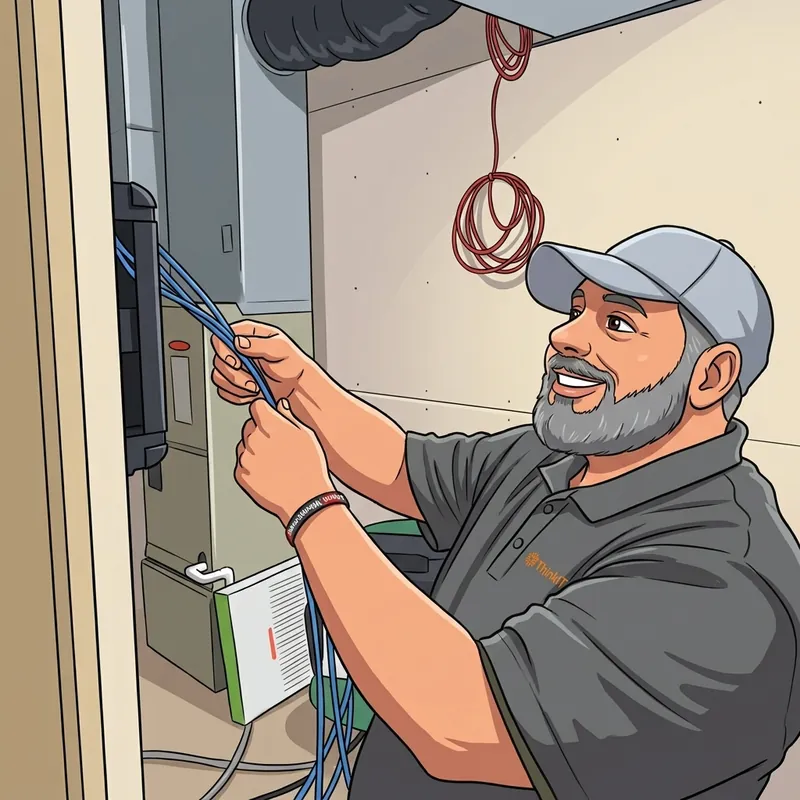
Moving to a new office is exciting. There’s a lot to think about: the lease, the furniture, the movers, telling your customers. The technology usually ends up at the bottom of the list, and that’s exactly why it causes the most trouble on move day.
The most common story we hear goes like this: the desks are in, the boxes are unpacked, and nobody can work because the internet won’t be installed for another three weeks. The good news is that almost every tech headache in a move can be avoided with a little planning. Here’s the checklist we use with our own clients.
Your Tech Moving Timeline
-
60 to 90 Days Out: Order Internet First
Internet takes the longest of anything on this list. A new business line can take anywhere from a couple of weeks to a few months, especially if the provider has to run new fiber to the building. Find out what’s available at the new address and place the order as soon as the lease is signed.
If the install date lands after your move, don’t panic. Ez-Connect 5G can get you online in days, then stay on as your backup once the main line is in.
-
60 Days Out: Walk the New Space
Before the furniture plan is final, walk the space with whoever is handling your technology. Decide where desks, printers, and the TV in the conference room will go, where the equipment closet will be, and where Wi‑Fi needs to reach. Check for enough power outlets, too.
This is also the time to plan network cabling. Running cables before the walls are closed and the desks are in is far easier, and cheaper, than doing it afterward.
-
45 Days Out: Plan Your Phones
You can keep your phone numbers when you move. If you have an internet phone system, moving is mostly a matter of unplugging the phones and plugging them back in. If you’re still on old copper phone lines, a move is a great time to switch, since the old lines would have to be moved anyway.
Don’t forget alarm panels, fax machines, and elevator phones. They often use old phone lines that are easy to overlook.
-
30 Days Out: Take Stock of Your Equipment
Make a list of every computer, printer, router, and phone you own. Decide what’s coming with you and what’s being replaced. A move is a natural time to retire old equipment, but make sure old computers are wiped and recycled properly so your data doesn’t leave with them.
If you need new Wi‑Fi equipment, battery backups, or computers, order them now so they’re waiting for you at the new office.
-
2 Weeks Out: Plan Security and Move Day
Decide how people will get into the new building. Moving is the perfect time to replace keys with key fobs or keypad codes and to put security cameras on the doors and parking lot.
Then plan move day itself: back up every computer, label every cable, and pick one person to be in charge of the tech.
-
Move Week: Test Everything Before Your Team Arrives
Set up and test the day before you open, not the morning of. Check the internet, Wi‑Fi in every room, phones (including a test call in and out), printers, card readers, and cameras. Ten minutes of testing saves a morning of confused employees.
-
After the Move: Update Your Address Everywhere
Update your Google Business Profile, your website, email signatures, invoices, and vendors. Most importantly, make sure your phone system has your new street address on file, so a 911 call from your office sends help to the right place.
Easy-to-Miss Items
- Don’t cancel too early: keep your old internet running until the new line is installed and working. Check your contract for early-cancellation fees, too.
- The 911 address: internet phones need your new street address on file. It only takes a few minutes, but it matters.
- Old phone lines: alarm systems, fax machines, and elevator phones can quietly stop working if no one moves them.
- Printer and scanner settings: scan-to-email and network printing often need to be set up again in a new space.
- Who has keys: a new office is a clean start. Know exactly who can get in, and when.
Let One Team Handle It
A typical office move means juggling an internet provider, a cabling company, a phone company, a security company, and whoever fixes the computers. At ThinkEzIT, we handle all of it: internet, cabling, Wi‑Fi, phones, cameras, and door access, on one schedule with one local team. We’ll meet you at the new space, build the plan with you, and be there on move day so your team can get right back to work.
Moving or expanding?
Let’s plan your new office’s technology together. No obligation.