

Building Security
Cameras for Your Business
Cameras only help if they show you what you need, when you need it. Here’s a plain-English guide to getting a system that actually works for your business.
Most business owners start thinking about cameras after something happens: a break-in, a missing delivery, a customer slip-and-fall, or a cash drawer that comes up short. Then they go to pull the footage and find out the camera was pointed at the wrong spot, the video is too blurry to make out a face, or nobody remembers the password to the recorder.
A good camera system isn’t complicated or expensive. It just needs a little planning up front. Here’s what we walk through with every business before we install a single camera.
Why Businesses Put In Cameras
- Stop problems before they start: visible cameras make people think twice about theft or vandalism.
- Get answers fast: when something goes wrong, you can see what actually happened instead of guessing.
- Peace of mind: check on the shop, the warehouse, or the parking lot from your phone, any time.
- Protect your team and customers: video helps settle disputes, insurance claims, and “he said, she said” situations.
Five Things to Decide Before You Install
-
What Do You Need to See?
Start with the spots that matter most: every outside door, the front counter or register, the parking lot, loading docks, and anywhere you store inventory or valuables. Think about what you’d want to prove later. Do you need to recognize a face, read a license plate, or just see that someone was there? The answer decides which camera goes where.
-
Where Should the Cameras Go?
Placement matters more than price. A camera mounted too high only sees the tops of heads, and one pointed at a bright window turns everyone into a dark shadow. That’s why we walk the building first and plan each camera’s view, so there are no blind spots at the doors and nothing important falls between two cameras.
-
How Long Should Video Be Saved?
Many problems aren’t noticed right away. If your system only keeps a few days of video, the footage you need may already be gone. For most businesses, 30 days is a good target. More cameras and sharper video need more storage, so this is worth deciding up front.
-
Who Needs to Watch, and From Where?
Today’s systems let you check cameras from your phone, get an alert when something moves after hours, and quickly find and save a clip to share with police or your insurance company. Decide who should have access, such as owners, managers, or the front desk, and give each person their own login.
-
How Will It Be Wired?
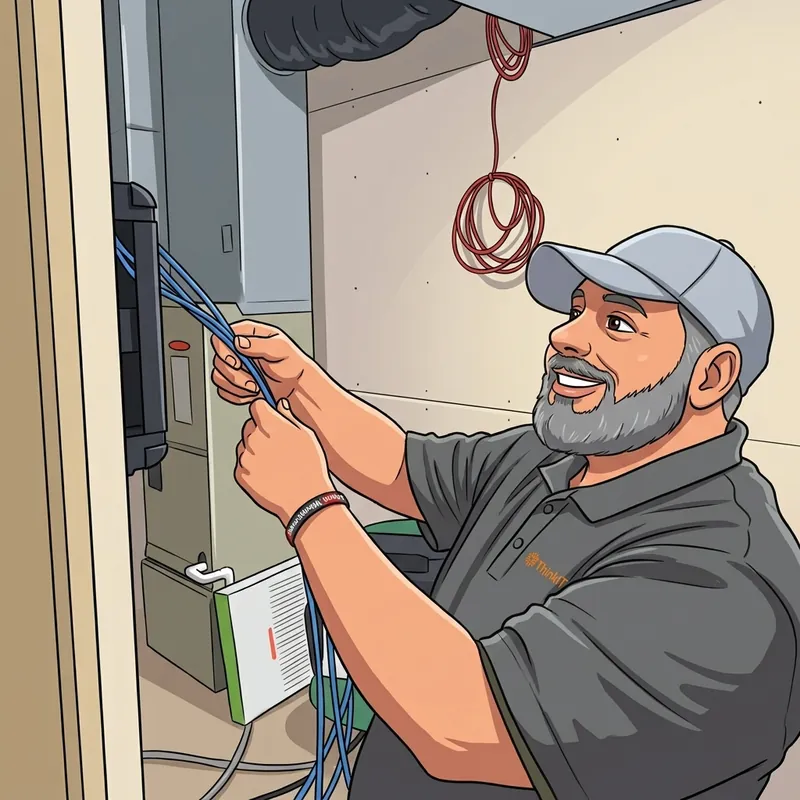
The most reliable cameras are connected with a network cable that carries both power and video, so there are no batteries to replace and no Wi‑Fi dropouts. Running cabling neatly through walls and ceilings is a big part of a clean, long-lasting install, and it’s much easier to do during a remodel or office move.
Common Mistakes We See
- Store-bought consumer cameras: they’re fine for a front porch, but many rely on Wi‑Fi, store video only in the cloud for a monthly fee, and aren’t built for all-day business use.
- No one knows how to pull footage: if only one person (who left two years ago) knew the password, the system isn’t really working.
- Never changing the default password: cameras on your network should be secured like any other computer, or they can become a way in for hackers.
- Forgetting about night: parking lots and back doors need cameras that see clearly in the dark.
- Set it and forget it: cameras get bumped, lenses get dirty, and recorders fill up. A quick check every few months keeps everything working.
A Quick Note on Privacy
Cameras belong in public and work areas, never in restrooms, locker rooms, or other private spaces. It’s also smart to post a simple sign letting people know the area is recorded, and to check whether any local rules apply to recording audio. When in doubt, ask before you install.
Make It Part of the Bigger Picture
Cameras work best alongside your other security. Pair them with door access control and you can see exactly who opened a door, right next to the video. Put them on a properly set up business network and they stay fast, reliable, and safe from outsiders.
At ThinkEzIT, we handle the whole thing: walking your site, planning where each camera goes, running the cabling, installing and setting up the system, and showing your team how to use it. And because we’re local, we’re a phone call away if you ever need help pulling footage.
Thinking about cameras?
We’ll walk your space and recommend a system that actually covers it. No obligation.